#!/bin/bash

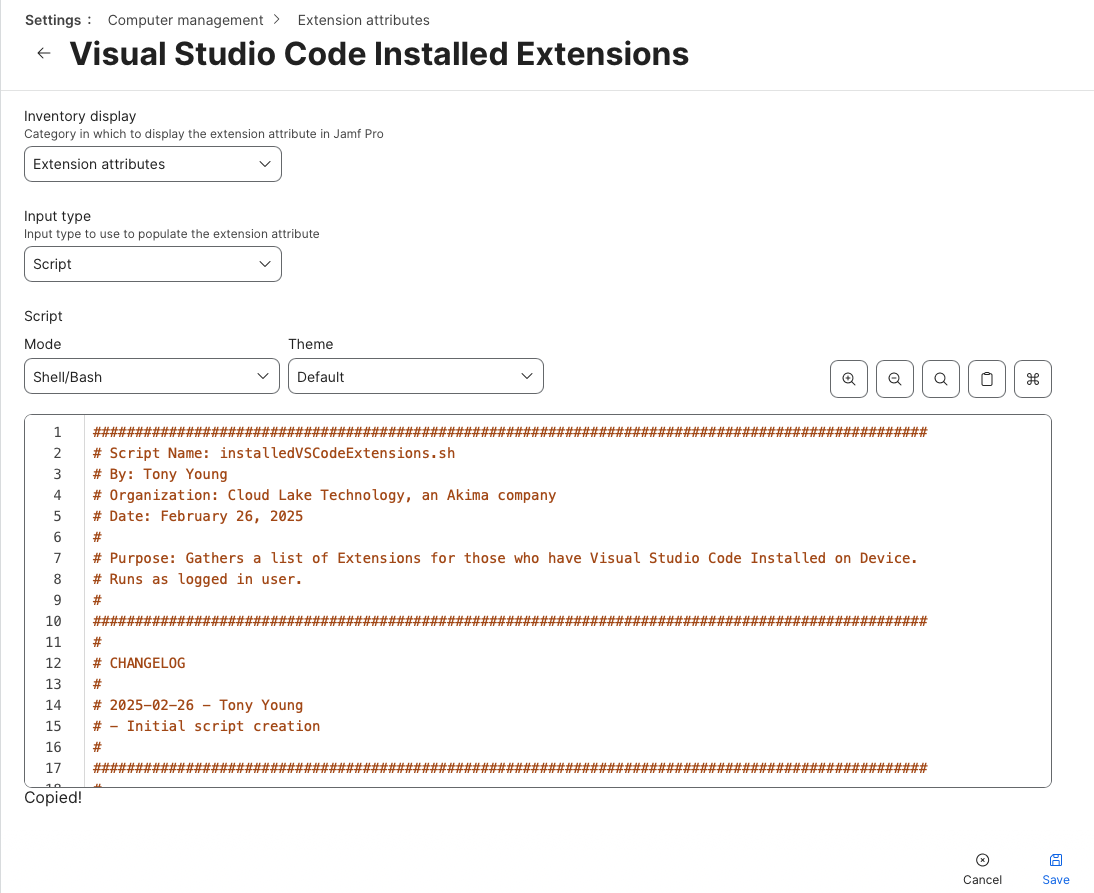
###################################################################################################
# Script Name:    [installedVSCodeExtensions.sh]
# By:             Fraser Hess
# Organization:   Pinnacol Assurance
# Date:           February 26, 2025
#
# Purpose:        Retrieve installed extensions within the Visual Studio Code application for macOS
###################################################################################################
# Set Initial Result
result="Not installed"

# Run as the current logged in user to grab their extensions
loggedInUser=$( echo "show State:/Users/ConsoleUser" | scutil | awk '/Name :/ { print $3 }' )
codePath="/Applications/Visual Studio Code.app/Contents/Resources/app/bin/code"

# Check VS Code for installed extensions and include the current version installed
if [[ -e "${codePath}" ]]; then
  result=$(sudo -u "${loggedInUser}" "${codePath}" --list-extensions --show-versions)
fi

# If no extension found, return as such
if [[ -z "${result}" ]]; then
  result="No extensions found"
fi

# Return result for Jamf Pro EA
echo "<result>${result}</result>"